Driver assistance / Input is not certainty
Sensing is not understanding
A vehicle can estimate a gap without understanding why another driver is closing it. Follow the chain before assuming an assistance feature has the situation covered.
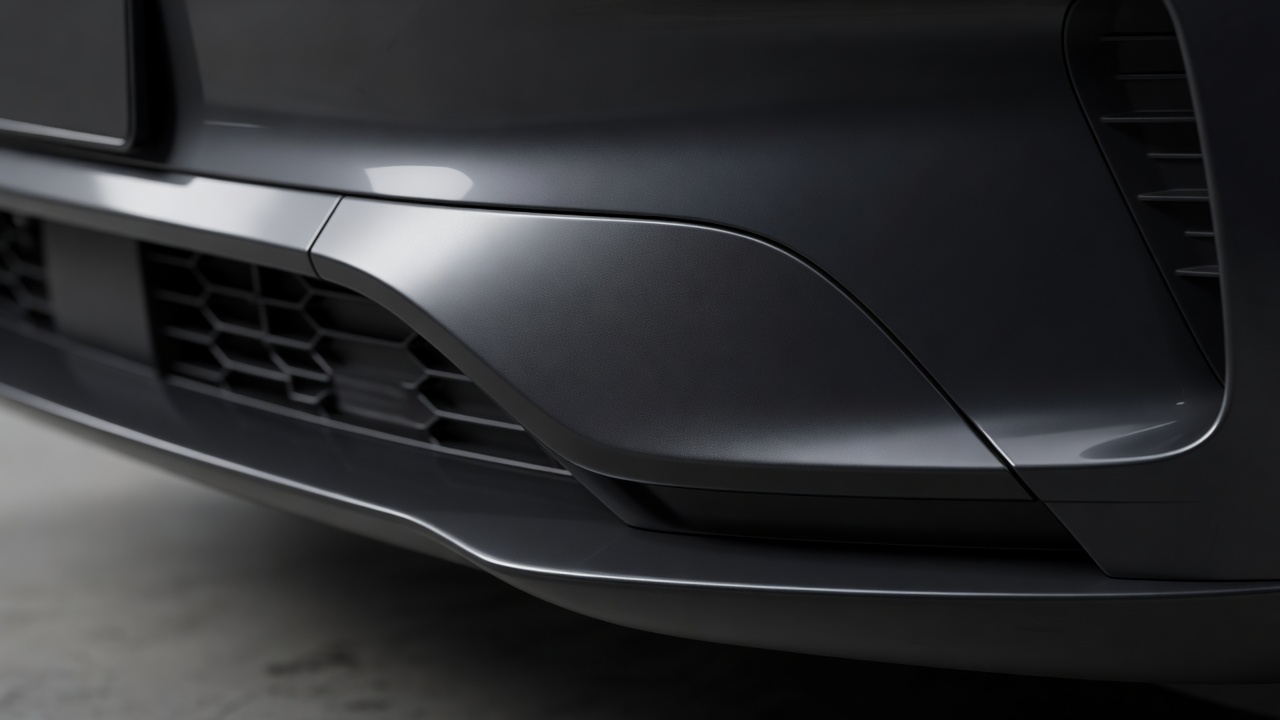
Different sensors answer different questions.
A camera records light, so it can help identify road markings, signs and recognizable objects. Its performance can change with low sun, darkness, spray, a dirty windshield or poor contrast. The image may exist without providing enough reliable detail for the feature using it.
Radar transmits radio waves and evaluates their reflections. It is useful for estimating distance and relative speed, including when visibility is reduced. That does not make it immune to obstruction, difficult object shapes or ambiguous reflections. Ultrasonic sensors commonly support low-speed parking by detecting nearby objects, but their coverage and sensitivity are limited.
Some vehicles also use lidar, which measures reflected light to estimate distance. No single sensor type guarantees dependable recognition of every obstacle. Sensor fusion combines evidence from multiple sources; it can reduce some uncertainties without eliminating shared blind spots.
The same input can support different actions.
Forward-collision warning alerts the driver to a possible impact. Automatic emergency braking may apply braking when its criteria are met. Adaptive cruise control adjusts speed to maintain a selected following relationship. These functions may share sensors while using different activation rules, thresholds and operating ranges.
Lane-departure warning identifies a possible unintended lane exit. Lane-keeping assistance may apply a corrective input near a boundary. Lane-centering assistance attempts more continuous positioning within a detected lane. Similar labels do not establish identical behavior, and combining speed support with steering support does not automatically create an autonomous vehicle.
Read the manual’s limitations, not just its activation instructions. Determine whether the system recognizes stationary vehicles, operates on tight curves or expects particular road markings. Do not test a collision-avoidance system by deliberately approaching an obstacle.
Limitation note: why an apparently clear road may confuse assistance
Construction markings, a crest, an offset vehicle, a partially obscured pedestrian or a lane splitting around roadworks can challenge interpretation. Maintain a safe margin and take over as the manual instructs; do not wait for the system to explain its uncertainty.
Automation levels describe responsibility.
SAE International’s J3016 taxonomy distinguishes driving automation levels. At Level 2, a feature can support both steering and speed control, but the driver continuously supervises the driving environment and remains responsible for the driving task. A hands-free interface, where permitted, does not necessarily mean eyes-off operation.
At Level 3, a defined automated driving system performs the driving task within specified conditions, with a fallback-ready user expected to respond when required. This is not a general description of ordinary driver assistance. Whether a particular capability is available, approved or engaged depends on the vehicle, location and operating conditions.
Driver-monitoring cameras can estimate attention from signals such as gaze or head position. Steering-wheel sensors may detect contact or torque. Neither establishes that a person understands the road situation. Treat attention alerts as a minimum safeguard rather than a target for how little supervision is acceptable.
Protect the sensing chain.
Keep designated sensor areas clean using methods approved by the manufacturer. Do not cover radar panels with accessories, stickers or unapproved paint. Windshield replacement, alignment work, suspension changes or a minor impact can affect sensor geometry. Depending on the vehicle and repair, calibration may be required.
A message saying assistance is unavailable is an instruction to drive without relying on that feature, not a reason to repeatedly force it back on. If it persists after an obstruction has been safely cleared, seek appropriate service. A temporarily restored icon does not confirm that an impact or alignment problem has been resolved.
Before a journey, identify the controls for cancellation and the displays showing actual engagement. Keep a following gap suited to visibility, grip and traffic, even if the selected cruise setting allows a shorter one. The useful question is not “Can the car do this?” but “Under which conditions, with what evidence, and with whom responsible for the next decision?”
Compare the function, not the badge.
| Function | Typical action | Do not assume |
|---|---|---|
| Forward-collision warning | Alerts to a detected risk | That it will apply the brakes |
| Automatic emergency braking | May brake to avoid or reduce impact | That every collision can be prevented |
| Adaptive cruise control | Adjusts speed and following distance | That all stopped traffic is recognized |
| Lane-centering assistance | Supports lateral positioning | That supervision is unnecessary |